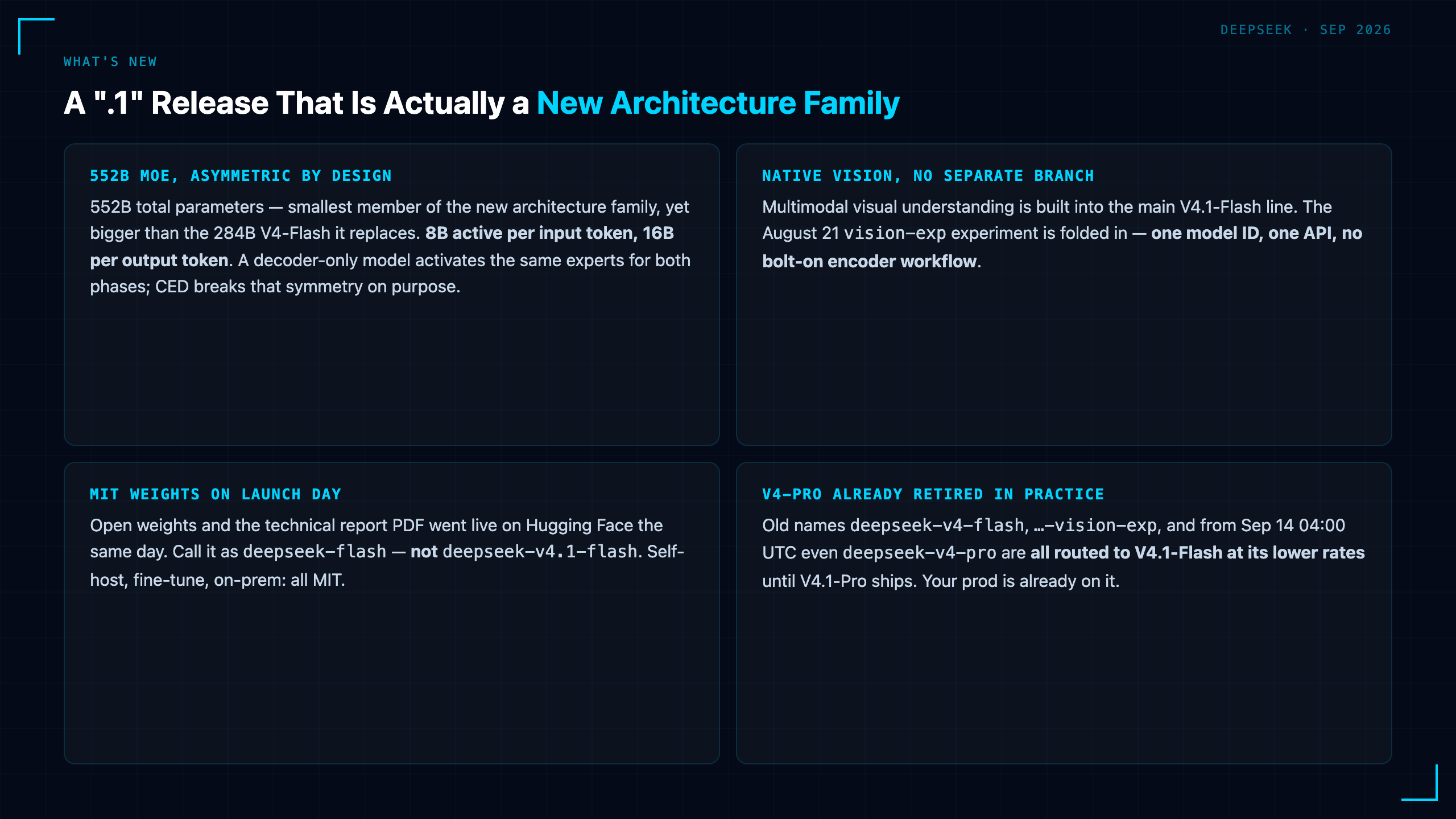
Most people who've heard of Claude Code assume it requires a Claude subscription. That assumption is costing them access to one of the most useful developer tools available right now.
Claude Code is a model-agnostic agent framework. The CLI handles the hard parts — reading files, executing commands, tracking context across a project, looping on errors — while the actual reasoning is delegated to whatever model you point it at via an OpenAI-compatible API. Point it at DeepSeek V4, and you get the full agent workflow at roughly 1/10th the API cost of running it against Claude's own models.
This matters more than it might first appear.
What Claude Code Actually Is
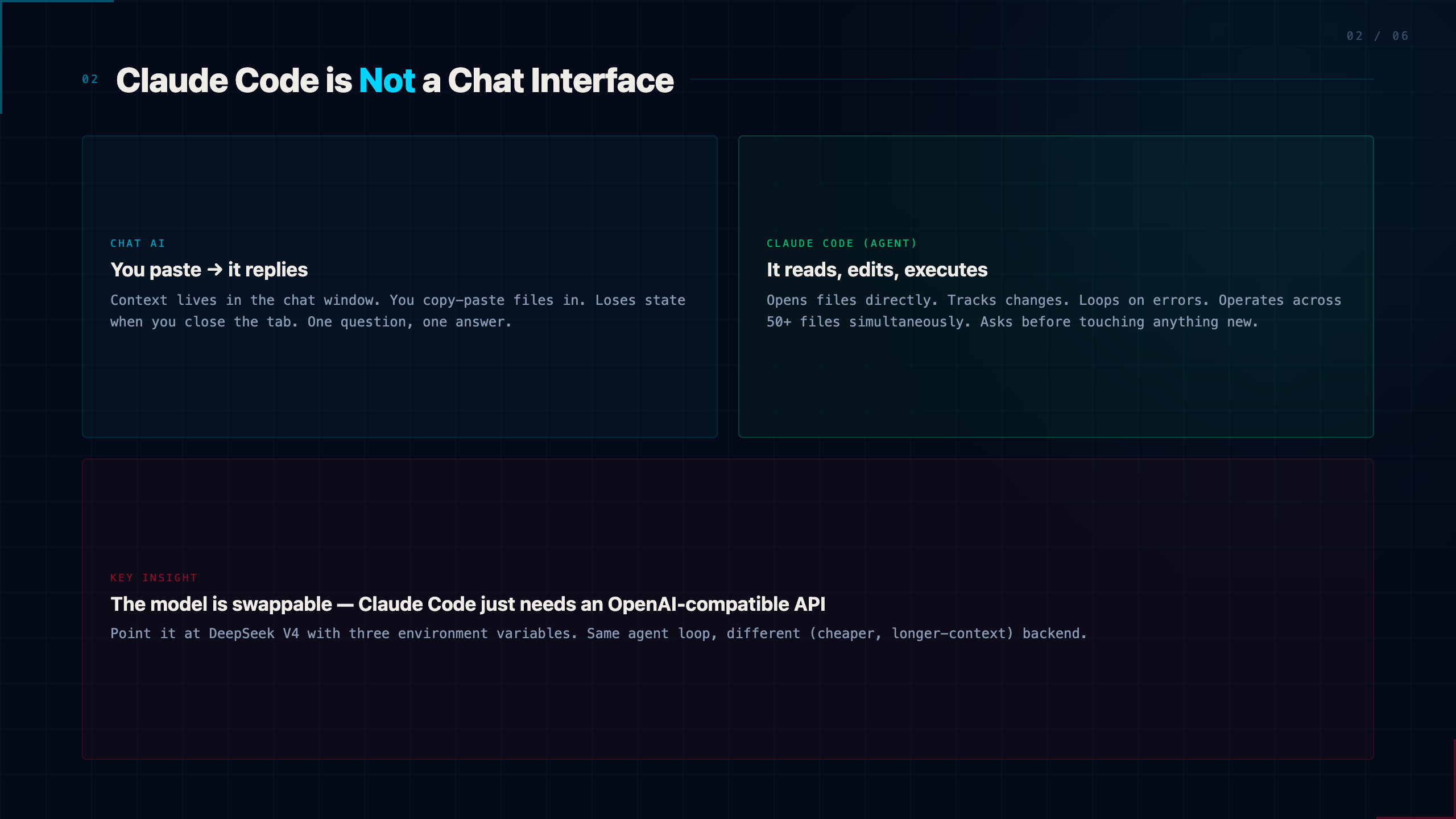
Claude Code is not a chat interface. It's an agent that runs locally and operates on your filesystem.
When you give it a task — "read all the markdown files in this folder and summarize the key themes" — it doesn't just respond with text. It opens files, reads them, builds context across all of them, writes output, and asks for your confirmation before touching anything it didn't touch before. It can execute shell commands, install packages, run tests, and loop on failures.
The distinction from a chat AI is meaningful: Claude Code can be handed a 50-file project and asked to do something coherent across all of it. A chat interface can't.
The model underneath just needs to be OpenAI API-compatible. Anthropic's own Claude models work. So does DeepSeek, and increasingly so does almost anything else.
The Setup: Three Environment Variables
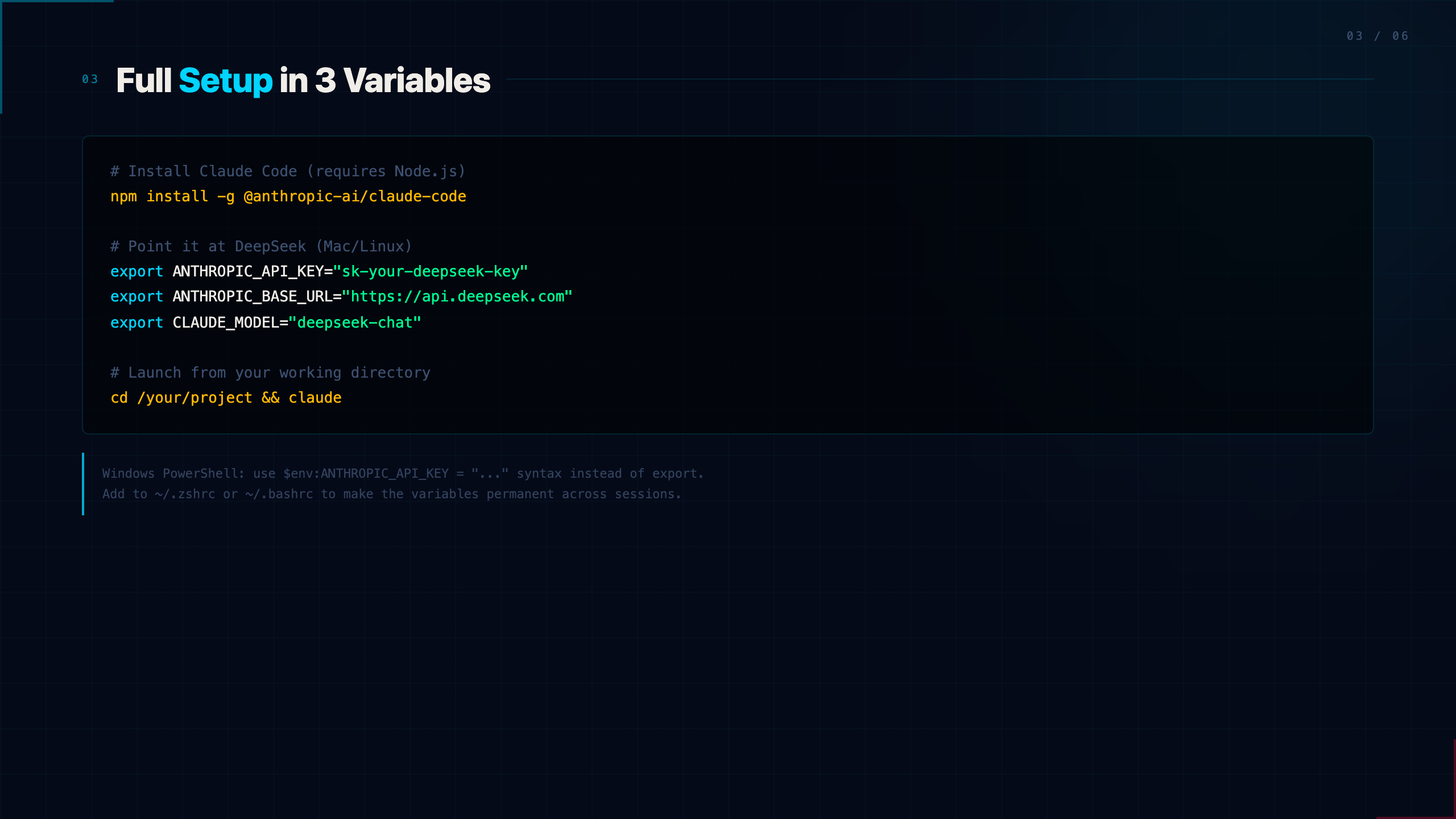
The full configuration is three environment variables. On Mac/Linux:
export ANTHROPIC_API_KEY="your-deepseek-api-key"
export ANTHROPIC_BASE_URL="https://api.deepseek.com"
export CLAUDE_MODEL="deepseek-chat"
On Windows PowerShell:
$env:ANTHROPIC_API_KEY = "your-deepseek-api-key"
$env:ANTHROPIC_BASE_URL = "https://api.deepseek.com"
$env:CLAUDE_MODEL = "deepseek-chat"
Then install Claude Code (requires Node.js):
npm install -g @anthropic-ai/claude-code
And launch it from a working directory:
cd /your/project/folder
claude
That's it. Claude Code will use DeepSeek V4 as its reasoning backend. The CLI itself is free and open-source; you only pay for DeepSeek API calls.
One practical note: set the environment variables at the start of each terminal session, or add them to your shell profile (~/.zshrc, ~/.bashrc) to make them permanent. The three-variable approach above sets them only for the current session, which is useful for testing before committing.
Why DeepSeek V4 in Particular
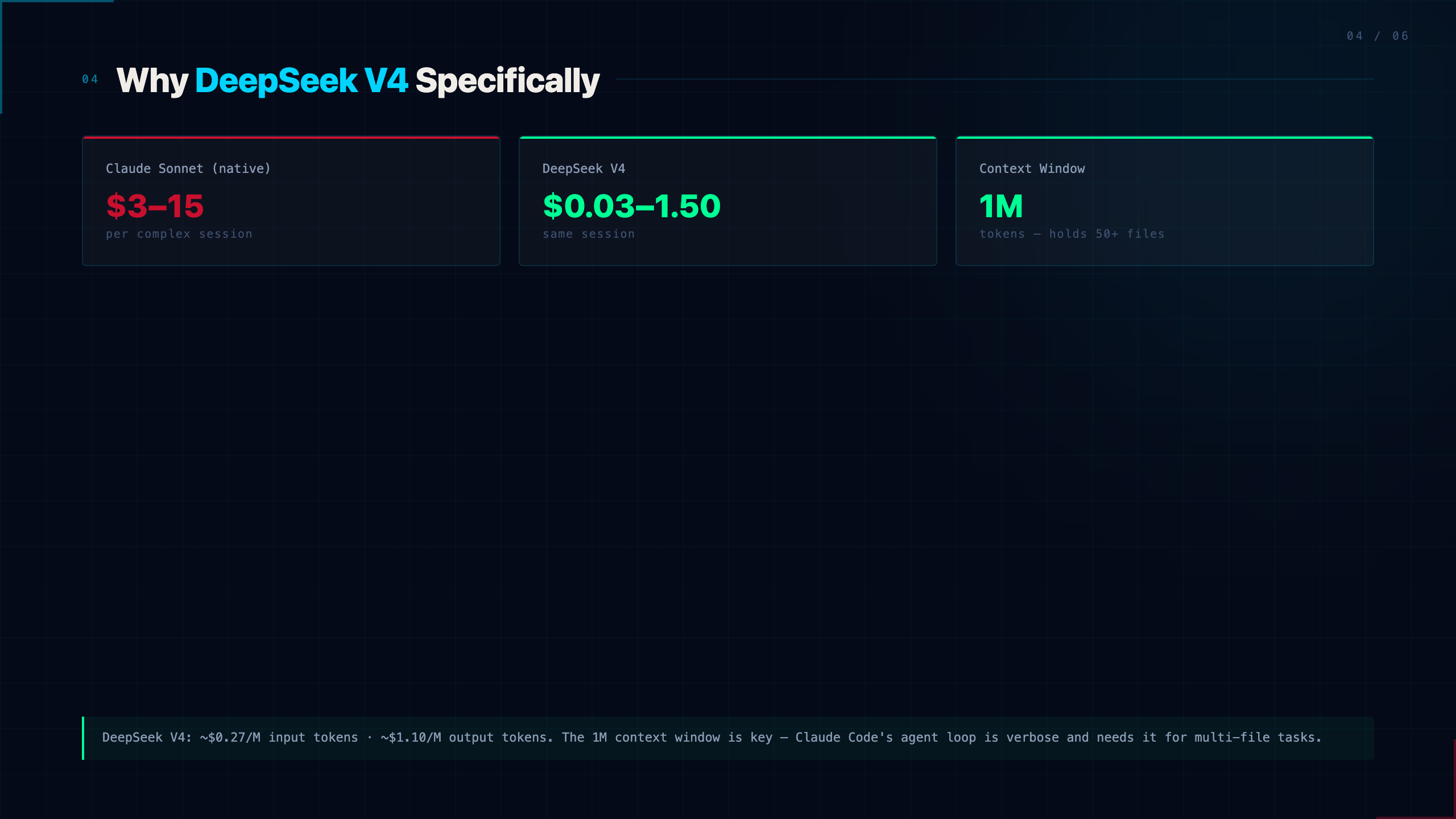
Two things make DeepSeek V4 a natural fit for Claude Code specifically.
1M token context. Claude Code's agent loop is verbose. It re-reads file contents, tracks edit history, passes tool outputs back and forth, and accumulates context across multi-step tasks. Short-context models fall apart here — they start forgetting what they read three files ago. DeepSeek V4's 1M context window handles extended sessions without degradation.
Price. DeepSeek V4 charges approximately $0.27/M input tokens and $1.10/M output tokens at time of writing. Running a moderately complex Claude Code session — say, processing a 20-file project with several back-and-forth iterations — might consume 100K–500K tokens. On Claude's own Sonnet tier, that's $3–15. On DeepSeek V4, it's $0.03–1.50.
For developers who want to experiment with agentic workflows without watching a cost meter spike, this makes Claude Code genuinely accessible.
What This Unlocks for Non-Programmers
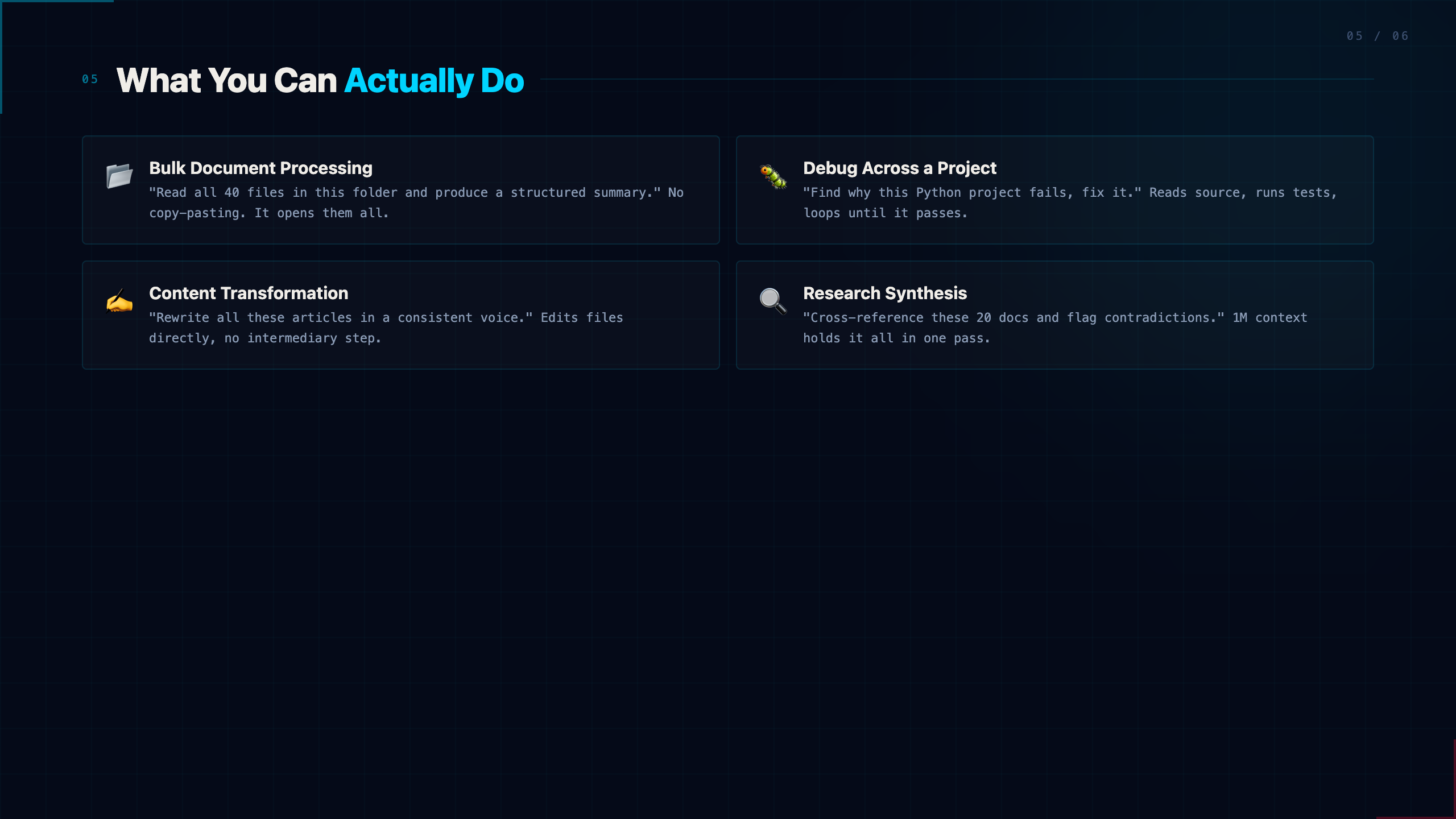
The framing of Claude Code as a "developer tool" undersells it. The file-editing agent workflow is useful for anyone who works with documents at scale.
Document workflows: Point Claude Code at a folder of research papers, meeting notes, or draft articles. Ask it to extract key points, normalize formatting, or produce a synthesis doc. It reads all the files, holds them in context simultaneously, and produces coherent output — without you copy-pasting anything.
Code review and debugging: For developers, the obvious use case. Give it a project, ask it to find bugs, explain what a section does, or refactor a function. It reads the actual files rather than asking you to paste snippets.
Content transformation: Take a folder of technical docs and ask for a plain-language summary. Take a folder of raw notes and ask for a structured outline. The 1M context means it can hold an entire book's worth of text while working.
The key constraint: Claude Code works on your local filesystem. You need to put the files somewhere it can reach them. The recommended pattern is to create a dedicated working directory, copy the files you want it to operate on, and run Claude Code from there. This also limits the blast radius if something goes wrong.
Practical Guardrails
Claude Code will ask for confirmation before modifying files or running commands. This is intentional — it has real write access to wherever you run it, and the confirmation prompts are the safety boundary.
Some tutorials suggest running with --dangerously-skip-permissions to bypass confirmations. Don't do this unless you're in a disposable test environment with nothing important at stake. The confirm-before-modify behavior is the right default, especially when you're first getting familiar with what the agent is actually doing.
Work in a dedicated folder. Copy files into it rather than running Claude Code in your main documents directory. Treat the first few sessions as exploratory — watch what it does, understand the confirmation prompts, and only expand its scope once you're comfortable.
Bottom Line
Claude Code is a serious agent framework that happens to be model-agnostic. Pairing it with DeepSeek V4 removes the two main barriers to adoption: cost and context limits.
The combination isn't just a cheaper version of the same thing. DeepSeek V4's 1M context window is actually a better fit for extended agent sessions than shorter-context models. For developers and non-programmers alike, the practical ceiling on what you can ask the agent to do goes up substantially.
Install it, point it at a test folder, and give it one real task. The gap between "chat AI" and "agent that operates on your files" is something you have to experience to understand.
Resources
- DeepSeek Platform — API access and key management
- DeepSeek API Pricing — current pricing tiers
- Claude Code on npm — installation
- Claude Code Docs — official documentation
DeepSeek V4 API access is available at platform.deepseek.com. Claude Code is open-source and free to install; you pay only for model API calls.